Add an External Domain
Written By Luke Wakefield
Last updated About 1 month ago
We recommend Fully Delegating your domain for best results: Add a Fully Delegated Domain
If you have a domain that is managed in GoDaddy or another registrar and would like to point it to a Siteglide website you can use our External Domain feature. This means that you can continue to manage your DNS through GoDaddy/other registrar.
This guide is for our Oracle/Cloudflare OCI servers. If your site is on our old AWS stacks please use the link below: Legacy AWS External Domains
Standard Setup: Enable WWW Redirect (e.g. https://www.example.com)
Most websites use www and redirect non-www traffic to www.
Step 1: Add the domain
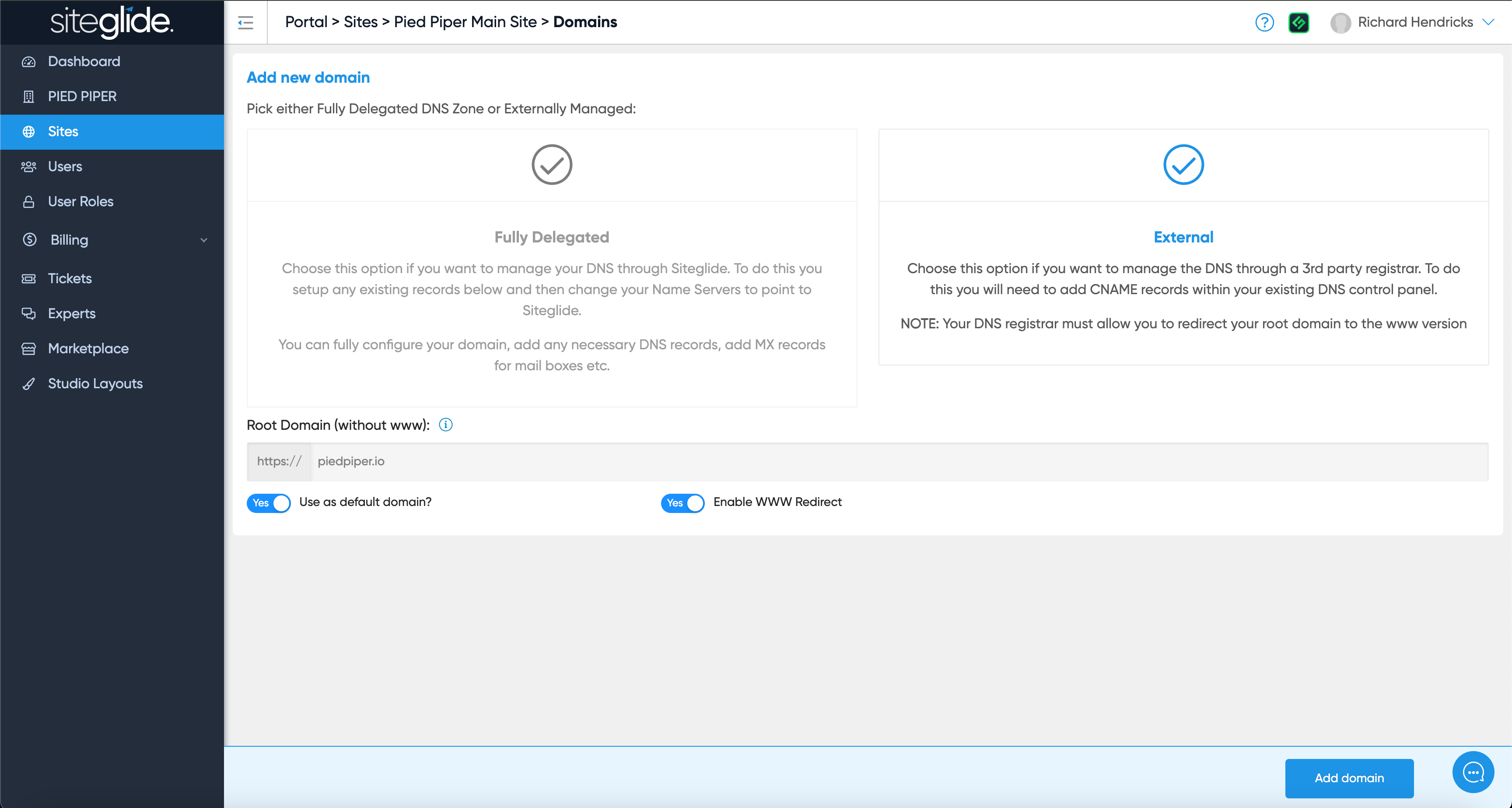
Simply select External, type in the root domain (without www) and then select 'Use as default domain' and 'Enable WWW redirect':
Step 2: Add DNS Records
You need to add 3 records to your DNS control panel:
A record on the root/apex to point to our static IP
(ensure no other A or AAAA records exist on the root)CNAME for www SSL certificate
CNAME to redirect www to Siteglide
ALL three records must remain ongoing as the SSL is renewed annually/periodically (do not delete them).
Replace example.com and www.example.com with and without www as documented.
UK OCI server:
US OCI server:
AU OCI server:
Was this helpful?
Still need help? Ask the team