Install Studio Module
Written By Luke Wakefield
Last updated 4 months ago
This method is for advanced users. If you’re new to Studio/Siteglide we’d recommend using our StudioKit Site Template as it has everything installed and setup out of the box.
You might want to use Studio on an existing website or from a blank site if you don't need the whole template and all the pages.
First install the Studio Module from the Siteglide Marketplace in Portal:
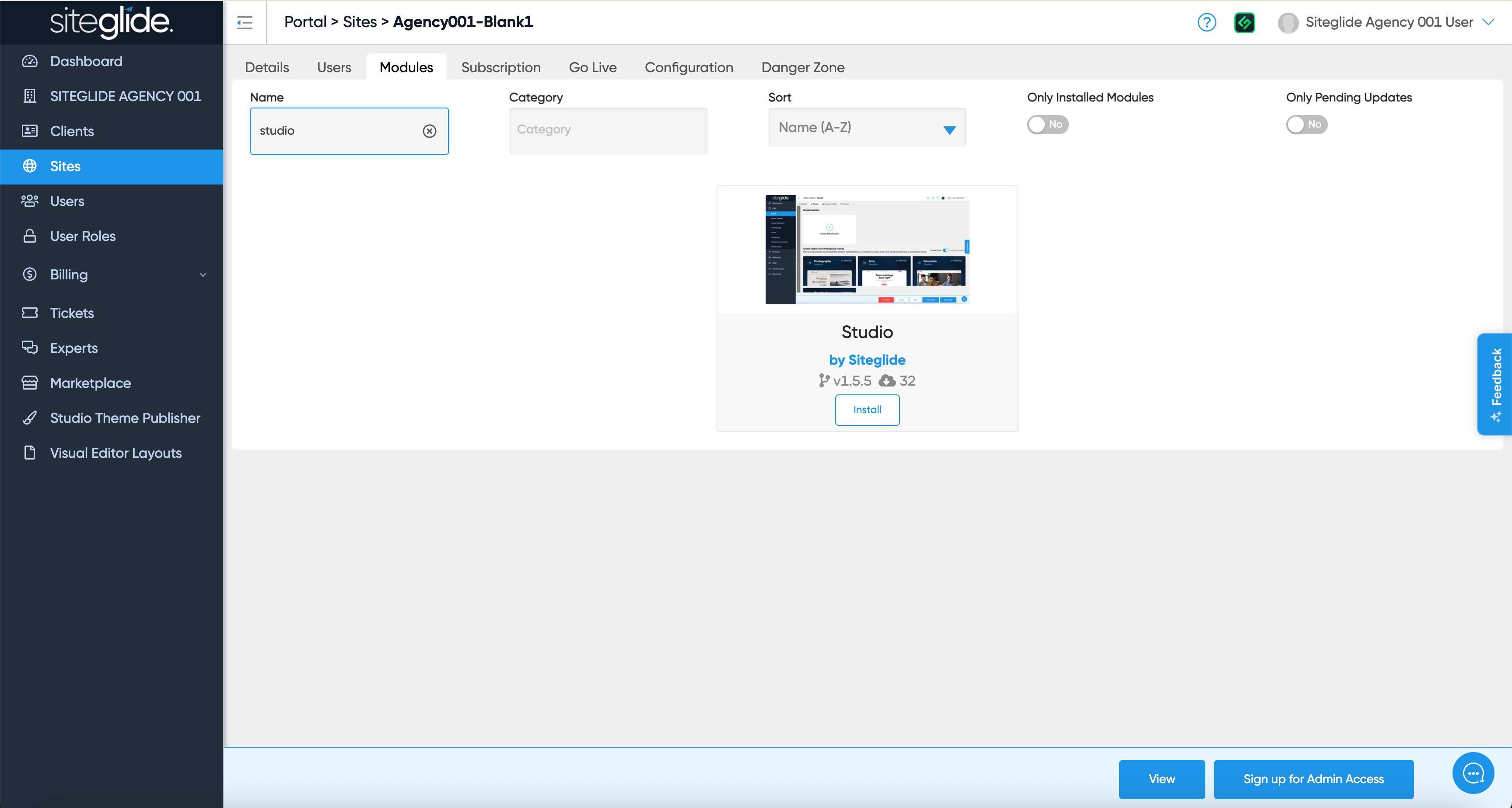
You will likely then want to install or create a Studio Library:
You then setup/customise your Library, Theme, Templates and Pages manually. Previous Siteglide experience is recommended so consider using a Site Template instead:
Was this helpful?
Still need help? Ask the team